VOICE-FIRSTGAME COMPANION
Use voice commands, macros, and game-specific help in Windows PC games.

Voice or touch, stay in control.

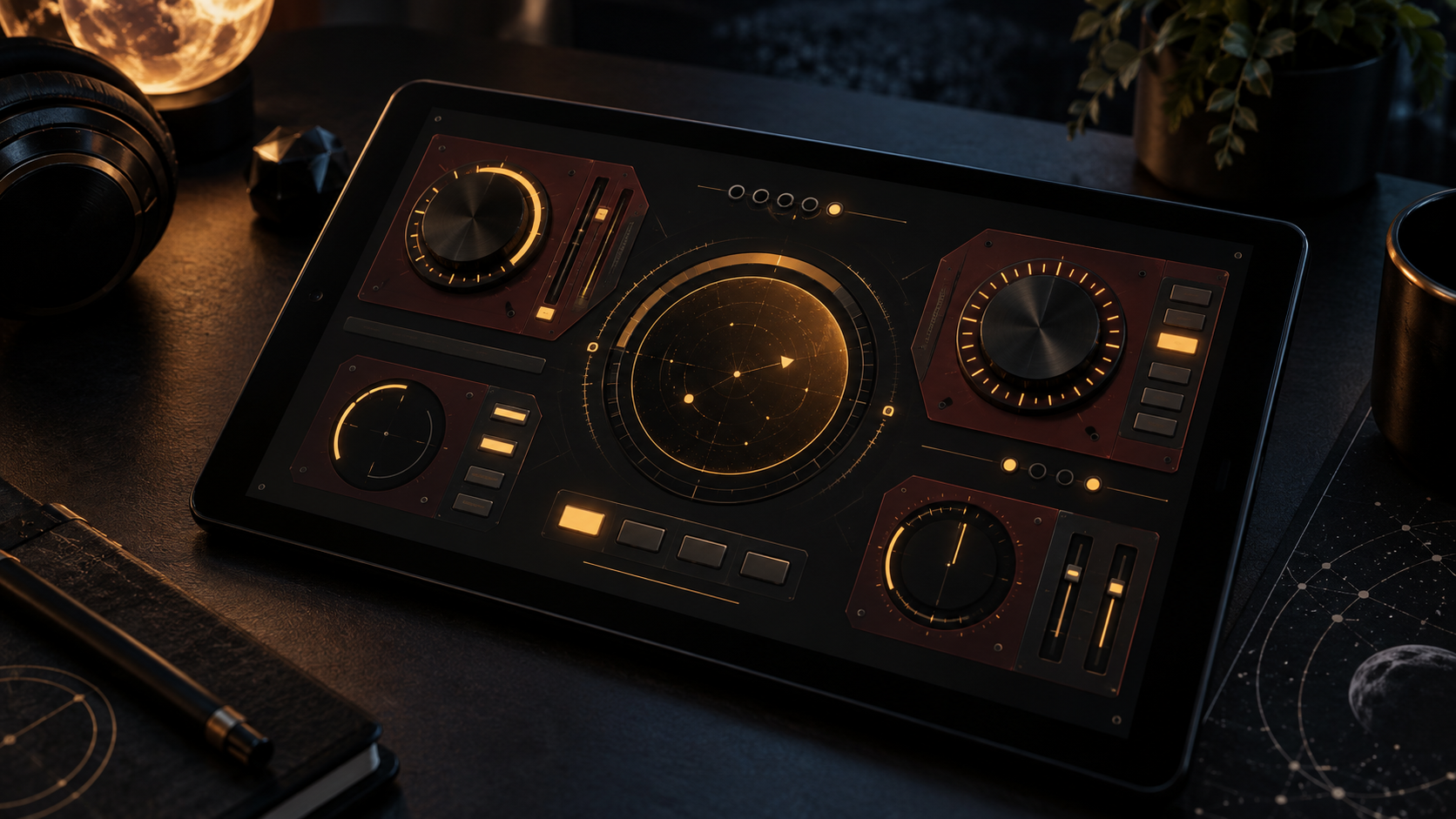
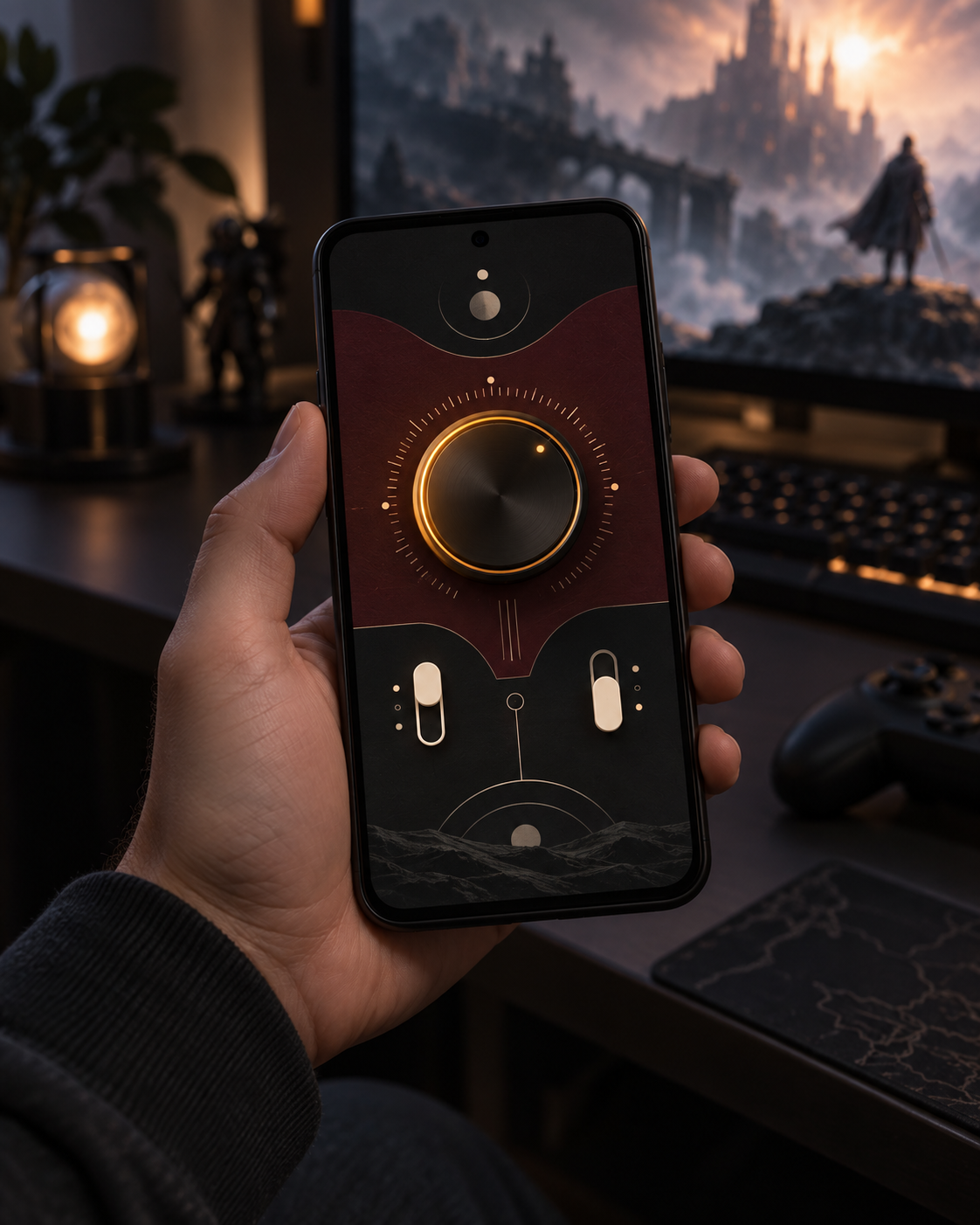
Use voice controls on your Windows PC. Explore a touch-first layout for second-screen tablet control.

Game Companion wordmark with its red-orange emblem and light trail on a dark background

See Game Companion at work

Commands, game-aware answers, and screen capture.

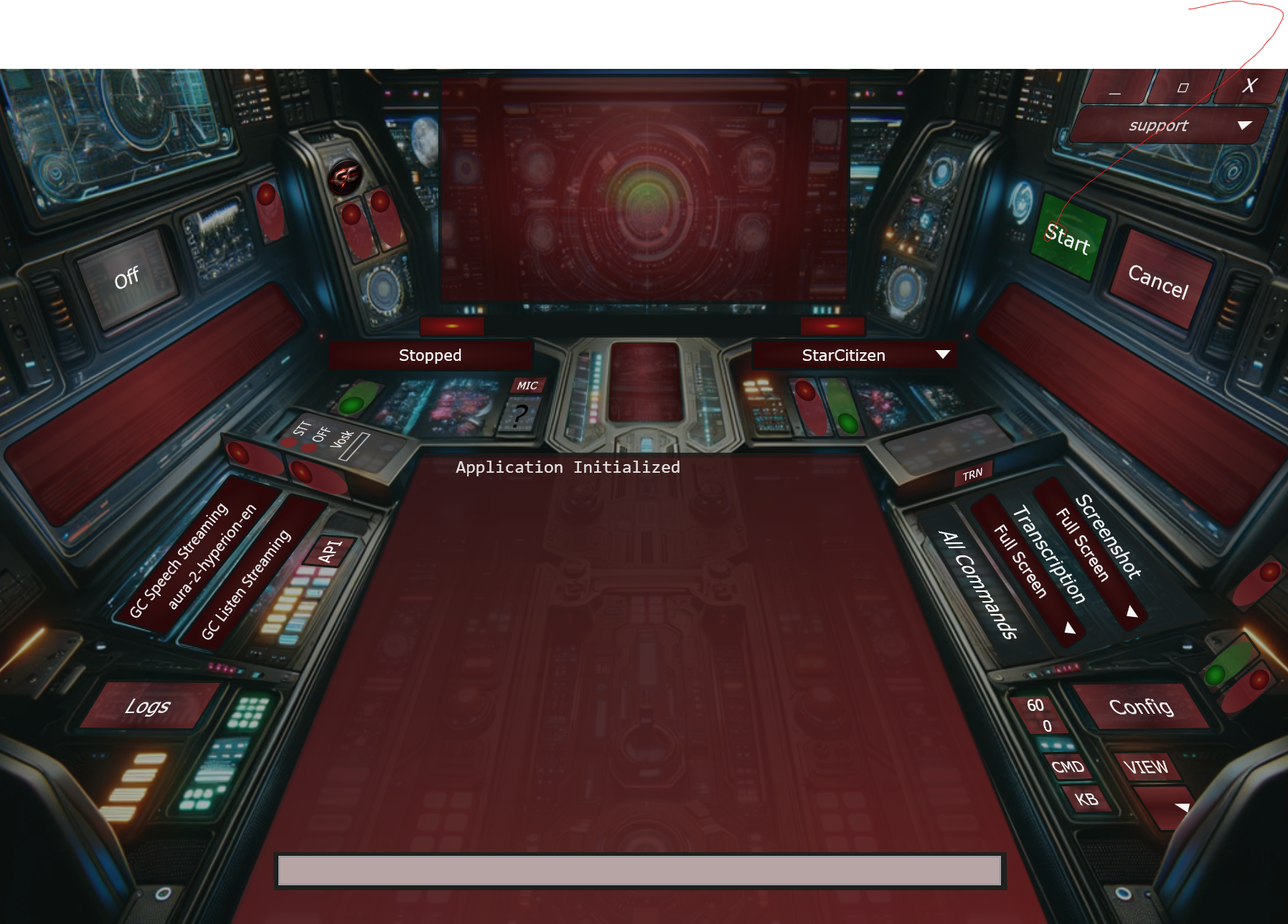
Game Companion's cockpit main window with voice status, quick commands, and Star Citizen Lite selected

Windows cockpit

  • See voice status and quick actions.
  • Choose your active game setup.

Game-specific context

Give the assistant context for Star Citizen, Helldivers 2, and other supported setups.

Explore Features

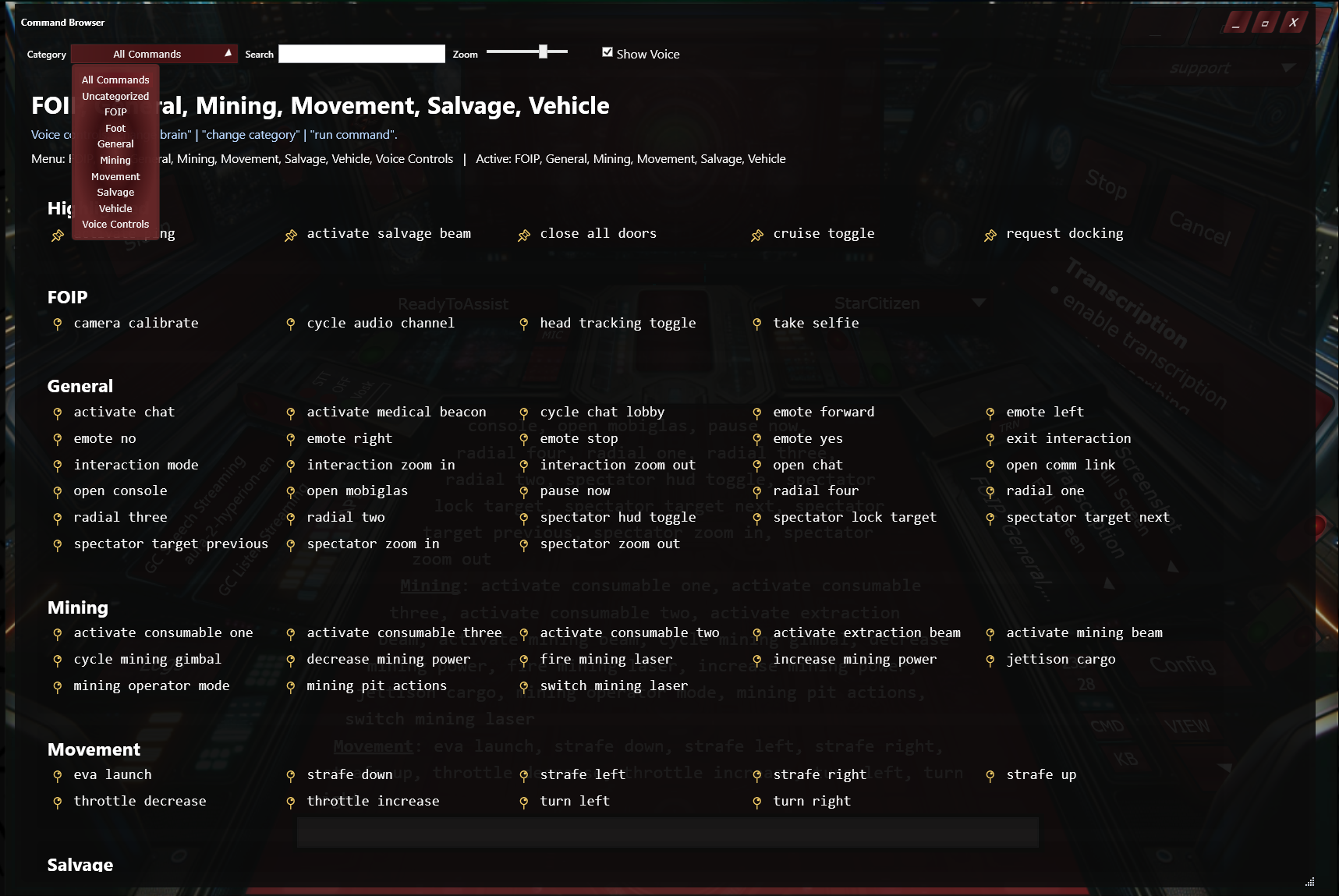
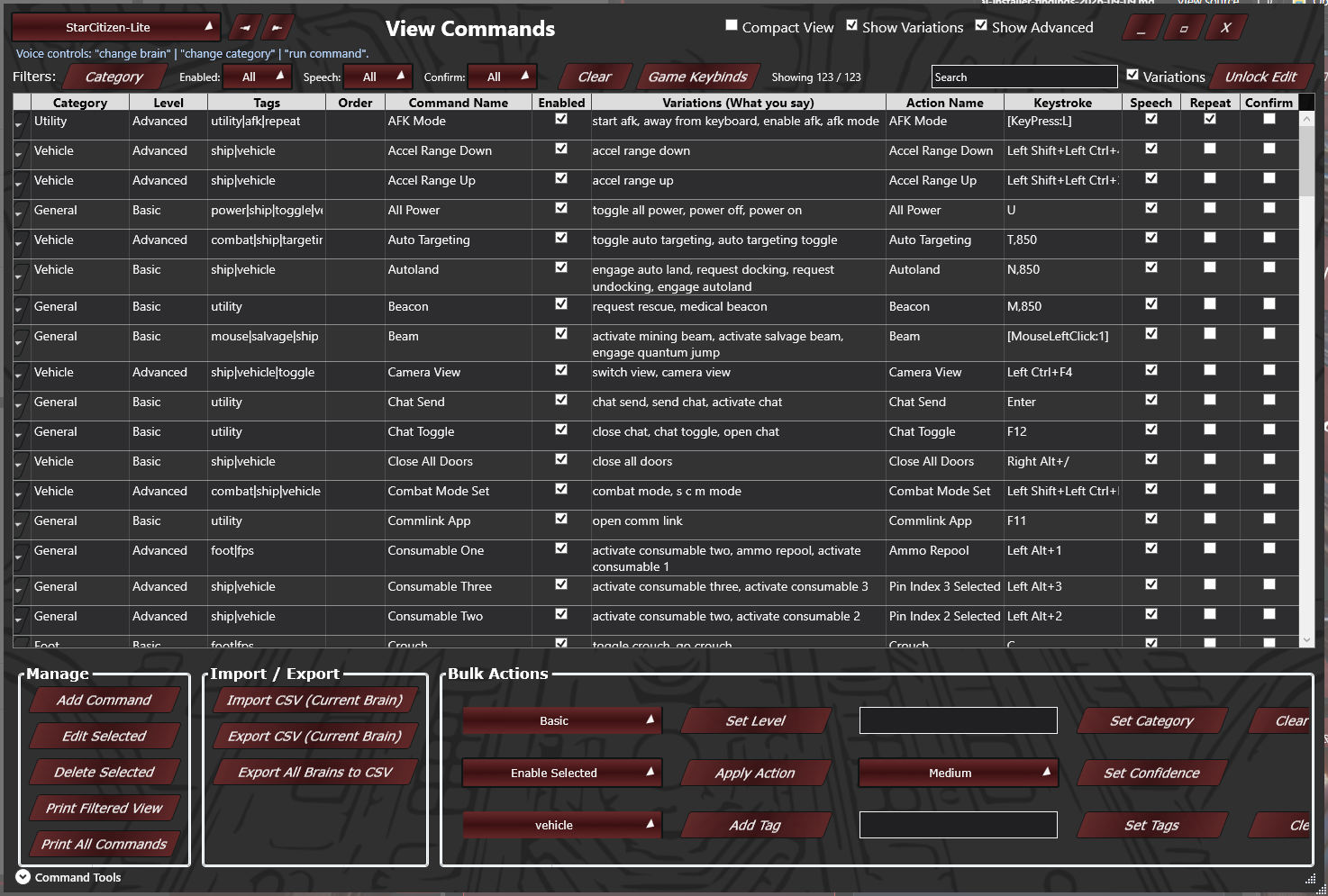
Commands and macros

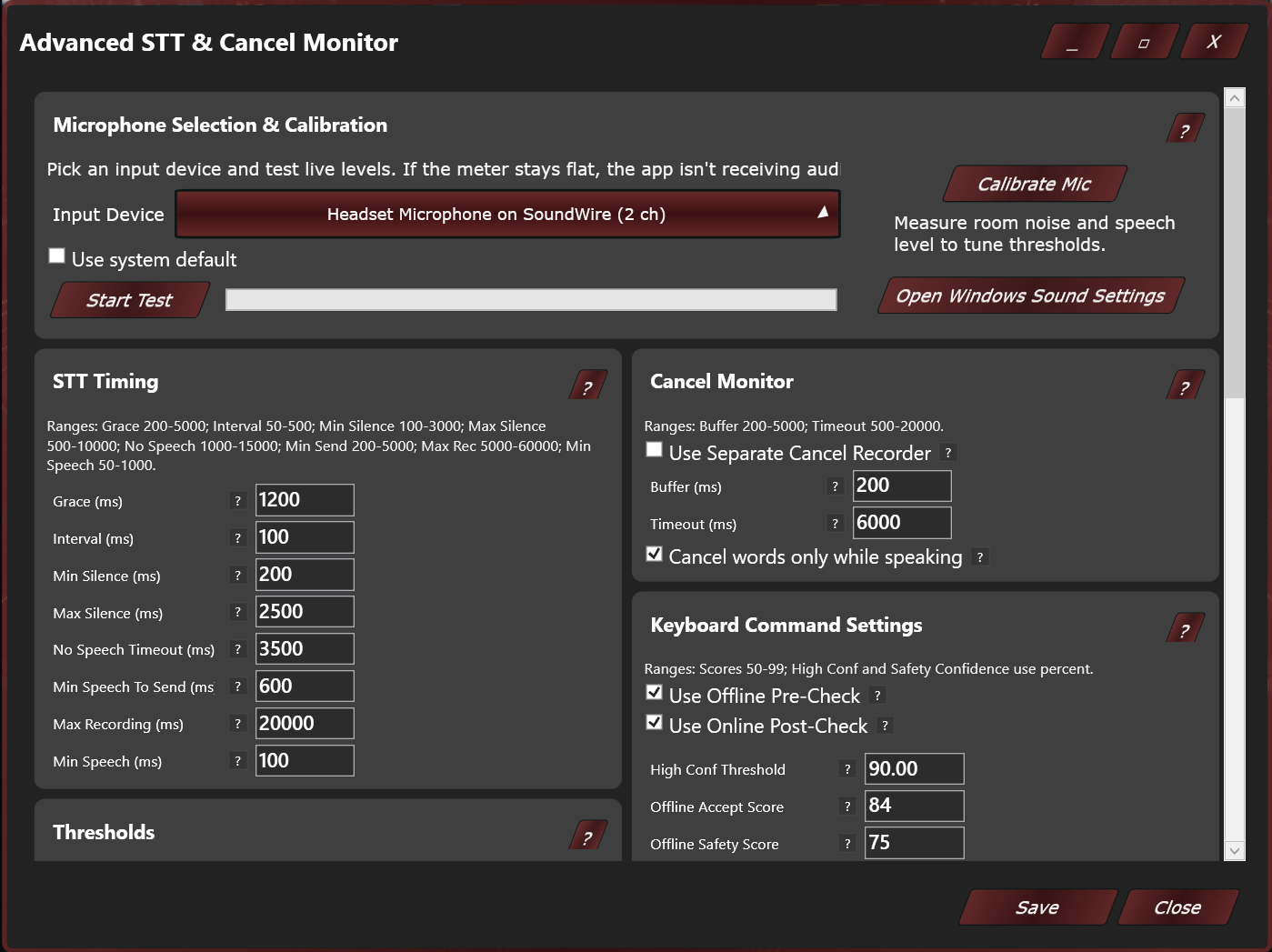
Map a voice phrase to a keybind or combine inputs into a macro you can trigger while playing.

Explore Features

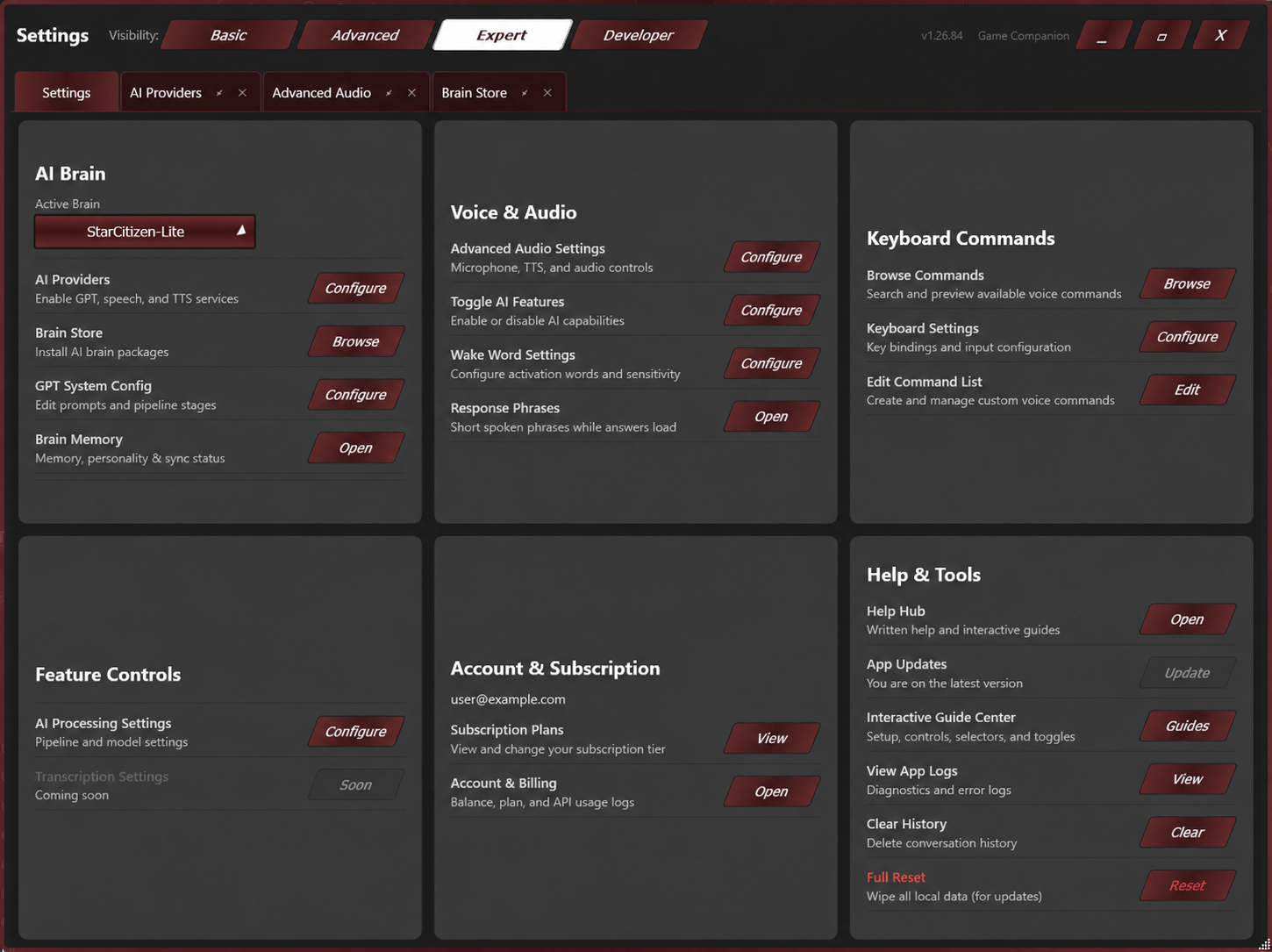
Speech and AI options

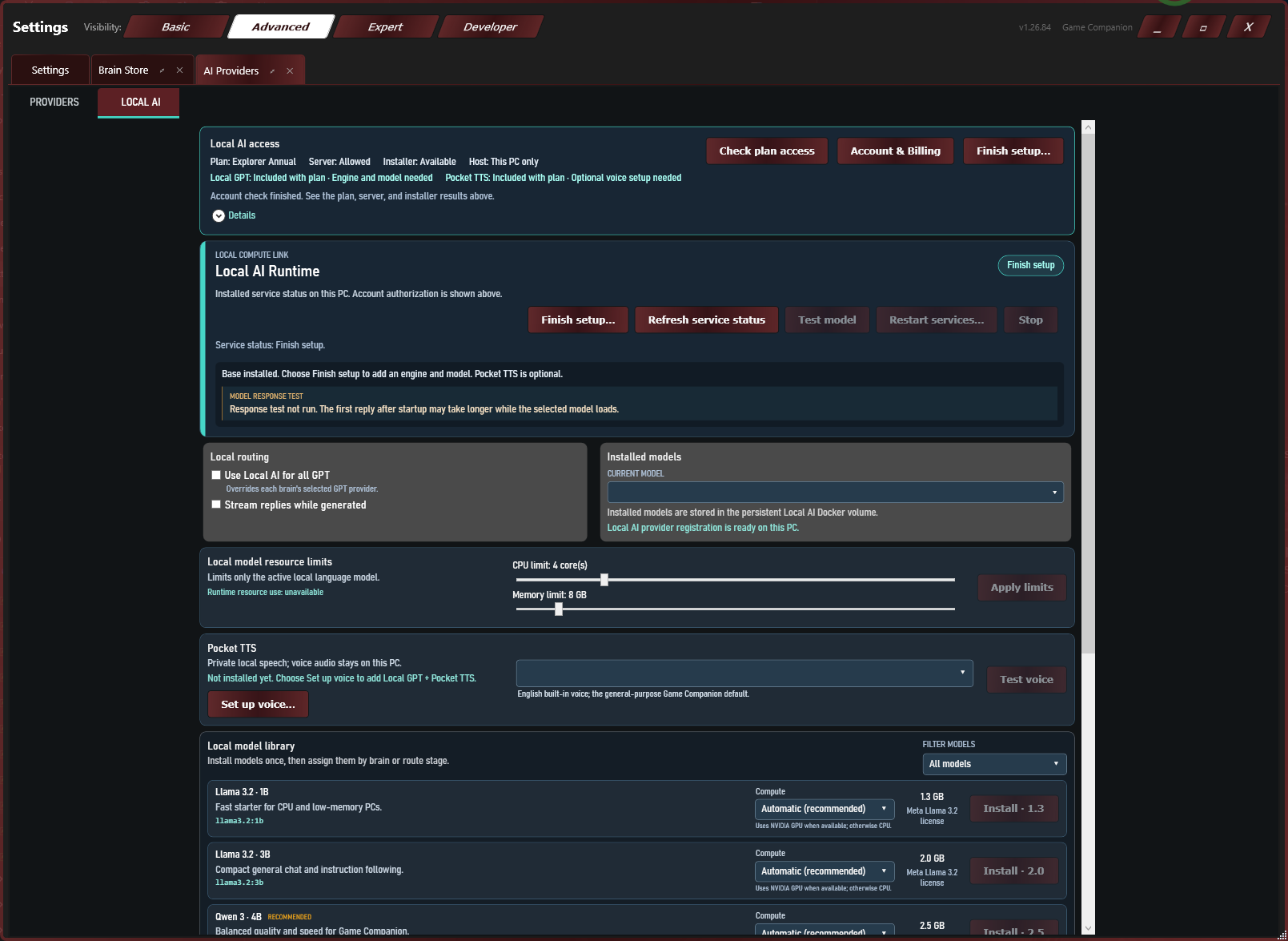
Local speech, local models, and hosted AI have separate requirements.

Compare how they work

Start free. Add the tools you need.

Community is free, with on-PC Local AI and Pocket TTS access included. Paid plans add more Brain setups and creation tools.

Create free account

Community

Includes Aria, one game Brain at a time and one custom Brain. Change your game Brain every 7 days. Use an approved BYOK provider or optional GCT for hosted AI. On-PC Local AI and Pocket TTS access are included; check the app for available downloads.

Explorer

A one-time 365-day licence with 5,000 GCT and up to 25 saved Brain slots (rolling out). On-PC Local AI and Pocket TTS are also included with Community.

Crafter

A one-time 365-day licence with 15,000 GCT and up to 100 saved Brains (rolling out), plus advanced macros and custom provider setup. Network-device Local AI is subject to runtime availability.
Architect is coming soon. The roadmap includes up to three linked computers with shared settings and AI memory. It is not available to buy yet. See plan details.

Explore More

Plans and usage

Compare access terms, local AI options, and optional hosted-service tokens.

Compare plans

What's Next?

Our roadmap is driven by community feedback and our vision for the future of gaming.

View the Roadmap

Inquiries & Support

Have questions or interested in partnering? We're here to help.

Community Support

The fastest way to get help or share feedback is via our Discord server. Join other testers in our alpha channels.

Join Discord

Direct Inquiries

For technical support or general questions regarding the product, reach out to us at support@game-companion.com.

Partnerships

For partnership opportunities, development inquiries, or investment discussions, please contact admin@game-companion.com.