
Get Started with Game Companion
Follow these steps to join our private alpha and begin using your AI co-pilot.
Steps at a Glance
- Step 1: Create your secure account via Web or Discord.
- Step 2: Download the Alpha Installer and check your email for the Guide.
- Step 3: Log in to the desktop application to request and activate your 14-day Free Trial.
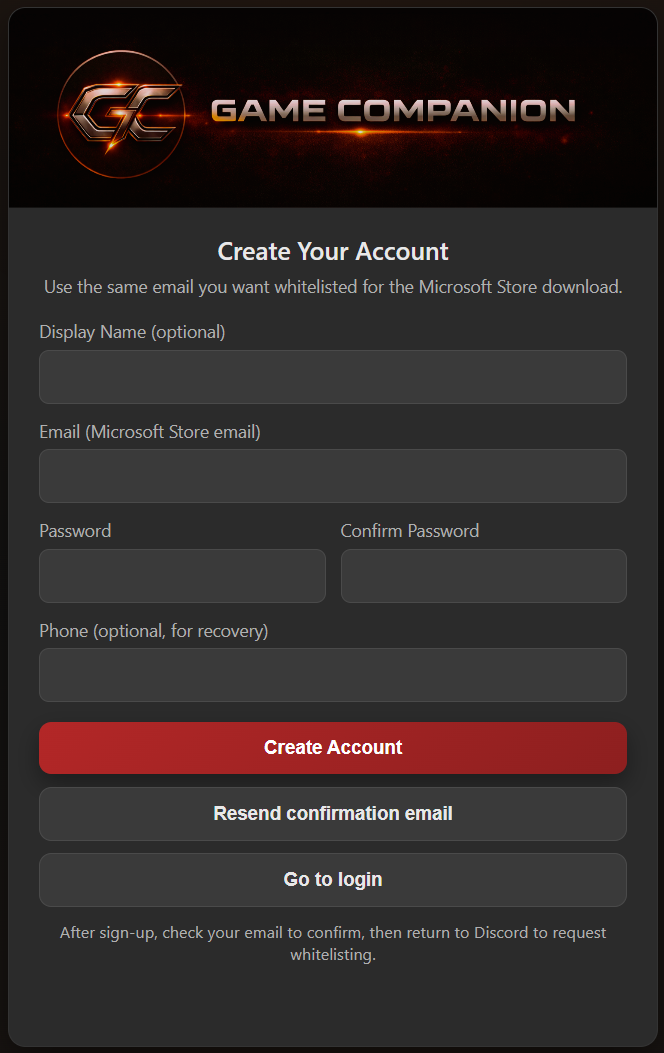
Step 1: Create Your Account
Begin by creating your account. Use any valid email or Discord for instant access.
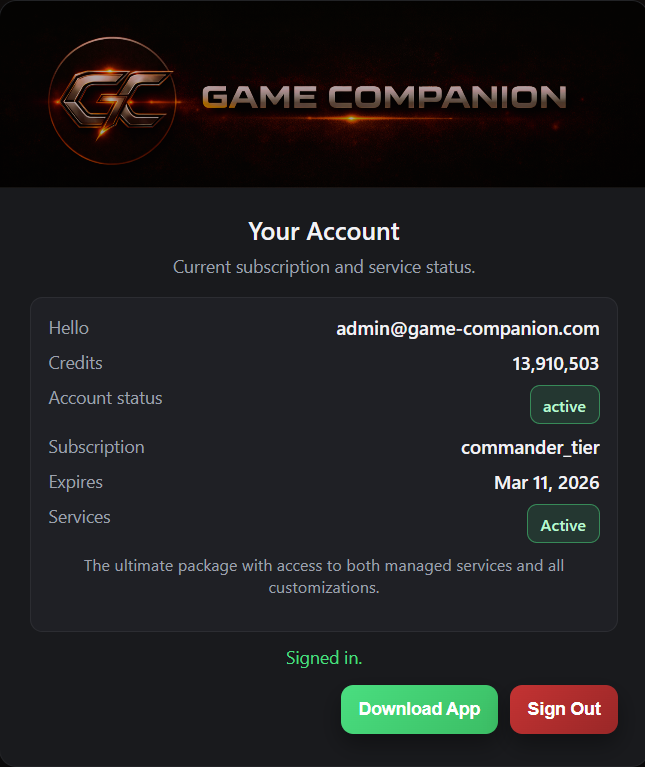
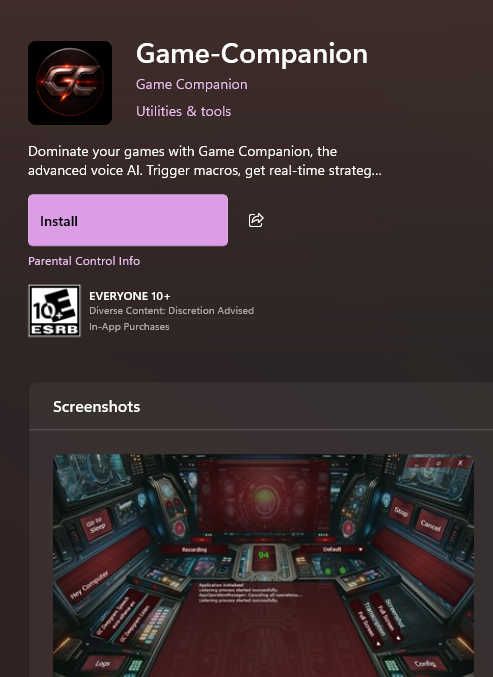
Step 2: Download & Install
Visit our Downloads Page. An Installation Guide will be sent to your email with detailed setup steps.
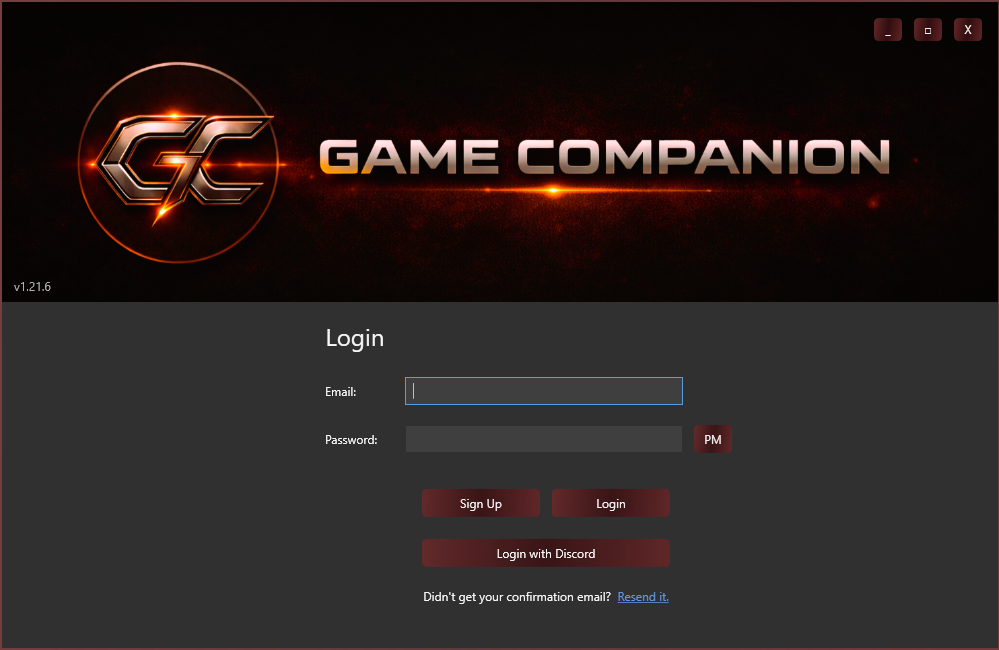
Step 3: Login & Activate Trial
Launch the app, log in, and navigate to the subscription section to select your 14-day free trial.
★ IMPORTANT: Review Period
To ensure quality, alpha trial requests undergo manual review. There will be a short delay before activation.
Questions? Reach out via Discord or email support@game-companion.com.
A Note on the Alpha
As we are in an early alpha stage, service availability and token usage are being constantly optimized. Advanced packages and additional token purchases are currently on hold while we complete this round of testing. We appreciate your feedback as we work to stabilize and refine these features.